When in the Forms tab in the FastField Portal, you can assign a unique image/thumbnail to your forms. This can be useful to organize your forms or make them easier to find.
For example, a vehicle fleet inspection form could have an image of vehicles, while a work order form could have an image of a toolbox. You could also simply color-code your forms based on a particular category.
To add a thumbnail to your Form or Subform:
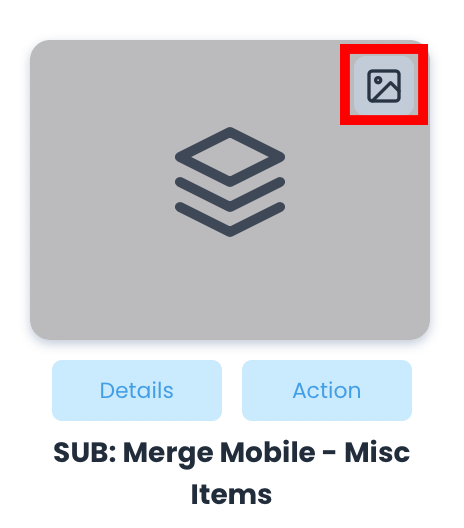
- Click the thumbnail icon in the top right-hand corner of the form. For this to be visible, make sure you are in Gallery View and not List View. You can toggle this view in the top right corner.
2. Next, choose from the free images and colors, or upload your own image. You may hit the Reset button to remove any thumbnail image from the assigned form.
