Adding a Filter
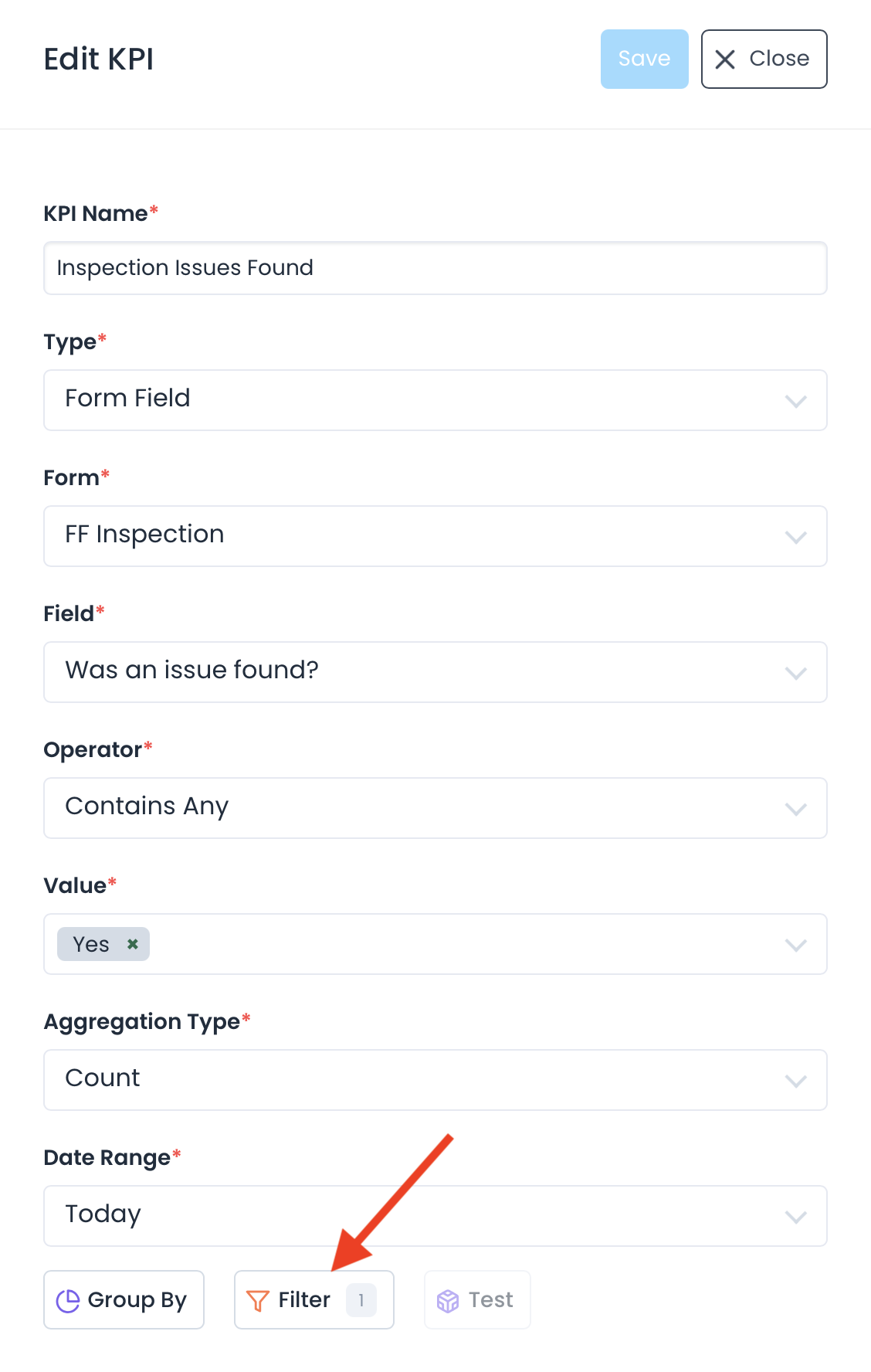
Suppose I have a KPI that measures inspection incidents. I can narrow the KPI to measure the inspection errors to just one inspector by creating a custom filter. To create a new filter, go to the Edit KPI screen, then click the filter button at the bottom.
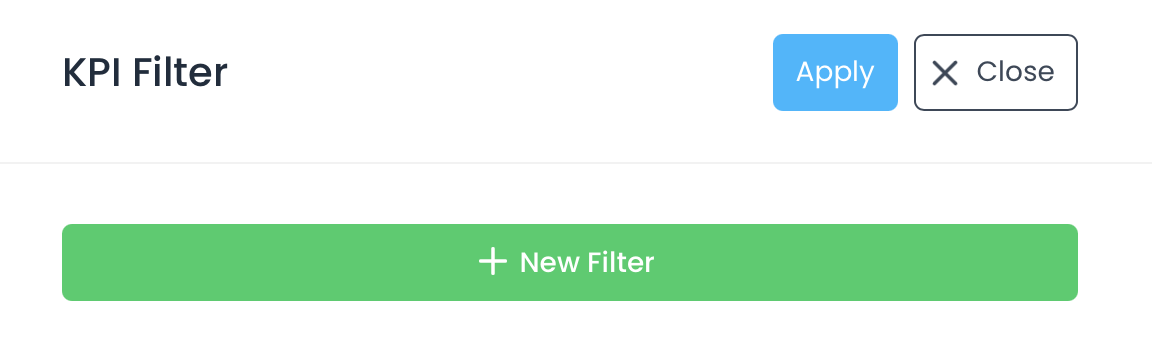
Click the New Filter button to begin:
Here I will pick the specific inspector name in the value section to filter by:
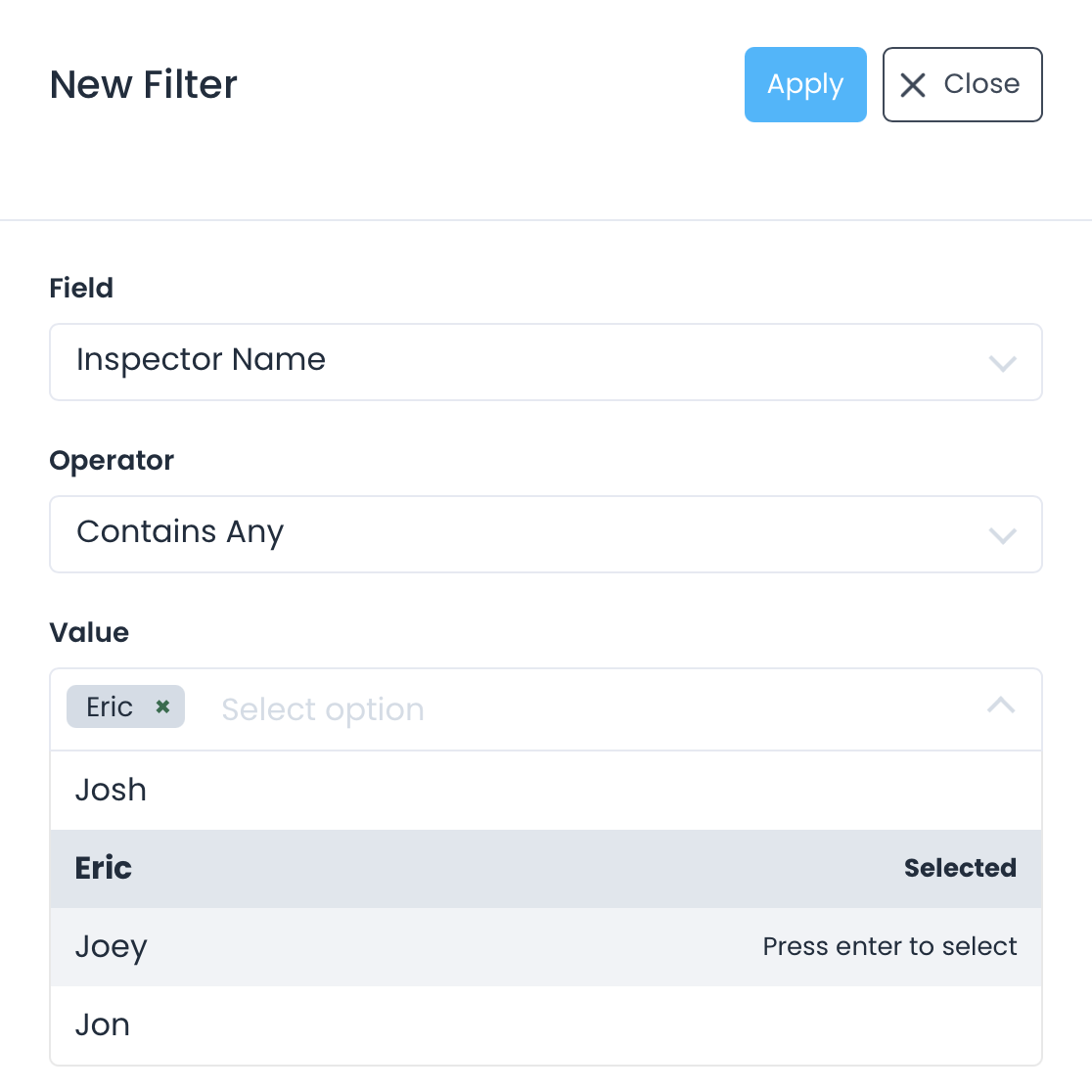
Apply your changes and you will be able to sort your KPI by a single inspector. When Eric runs into a an inspection issue you will be notified.