FastField Mobile Forms Help Center Help Center home page
Submit a Support Ticket
Help Center Home
Back to Portal
  1. FastField Mobile Forms Help Center
  2. Active Insight Monitoring (AIM)
  3. Alerts

Articles in this section

  • How to Create AIM Alerts
  • Conditions (AIM)
  • Notifications (AIM)
  • Alert Scheduling
  • AIM Alert Activity
  • AIM Alert Activity

    • September 09, 2021 16:04
    • Updated
    • ~ minute read

    To view your AIM alert activity, you can easily view all historical alerts in your account by going to the AIM Alert Activity tab in the AIM Alert section of the portal:   
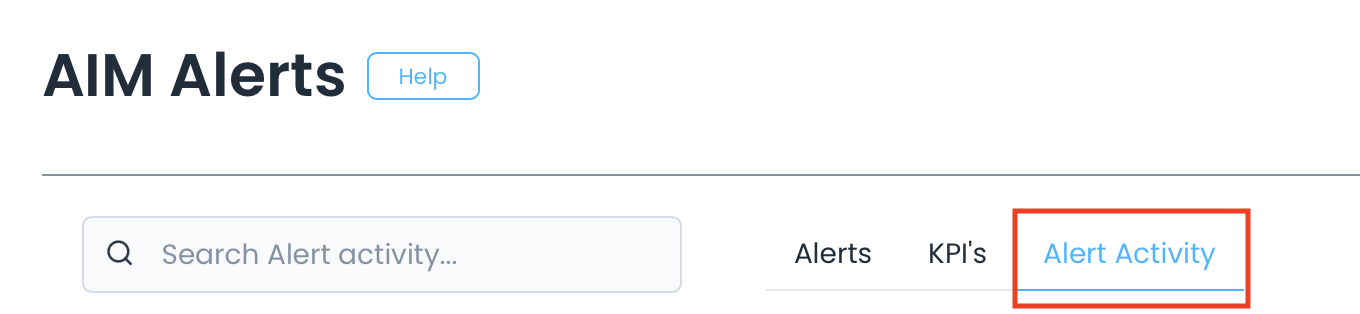
     

    Screen_Shot_2021-04-21_at_2.38.38_PM.png


    Locate recent alerts by name using the search bar: 
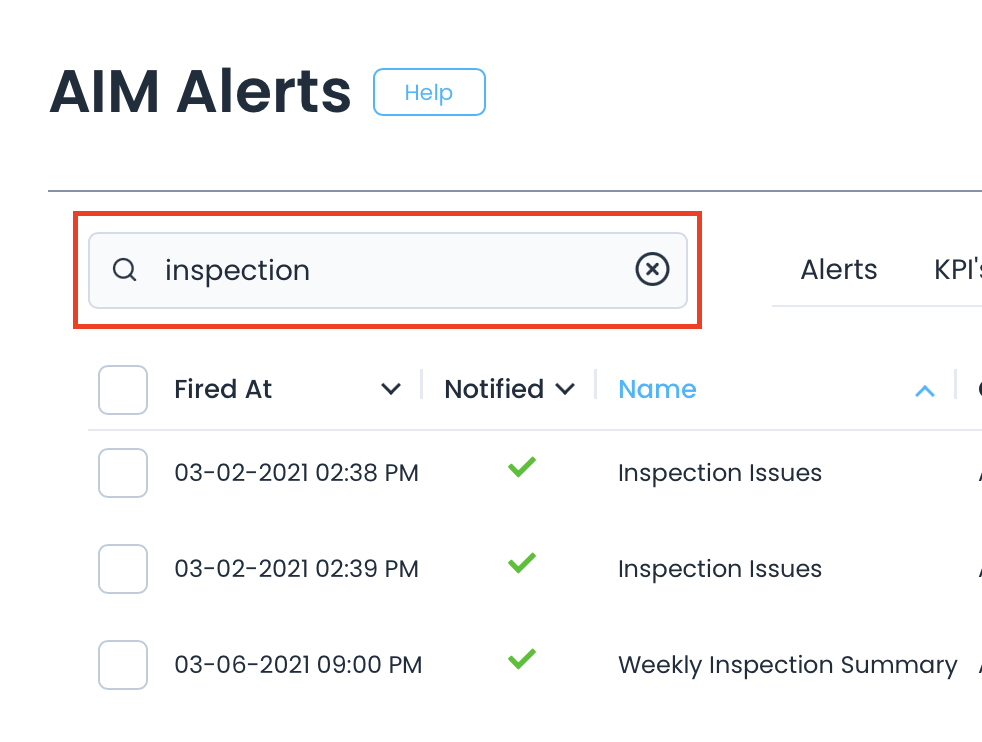
    Screen_Shot_2021-04-21_at_3.15.16_PM.png


    Related articles

    • How to Create AIM Alerts
    • Conditions (AIM)
    • Alert Scheduling
    • Notifications (AIM)
    • Transferring Dashboard Ownership
    FastField Mobile Forms Help Center