Overview
On the Submissions page, you're able to download multiple reports at once by multi-selecting. This saves you time by not having to repeat the download process for each report.
How to Download Multiple Reports
To download multiple reports at the same time:
- Go to Data & Analytics > Submissions in the Portal.
- Use the checkbox on the left of the table to identify and multi-select the forms you want to download.
- Click the green Download button in the top right-hand corner.
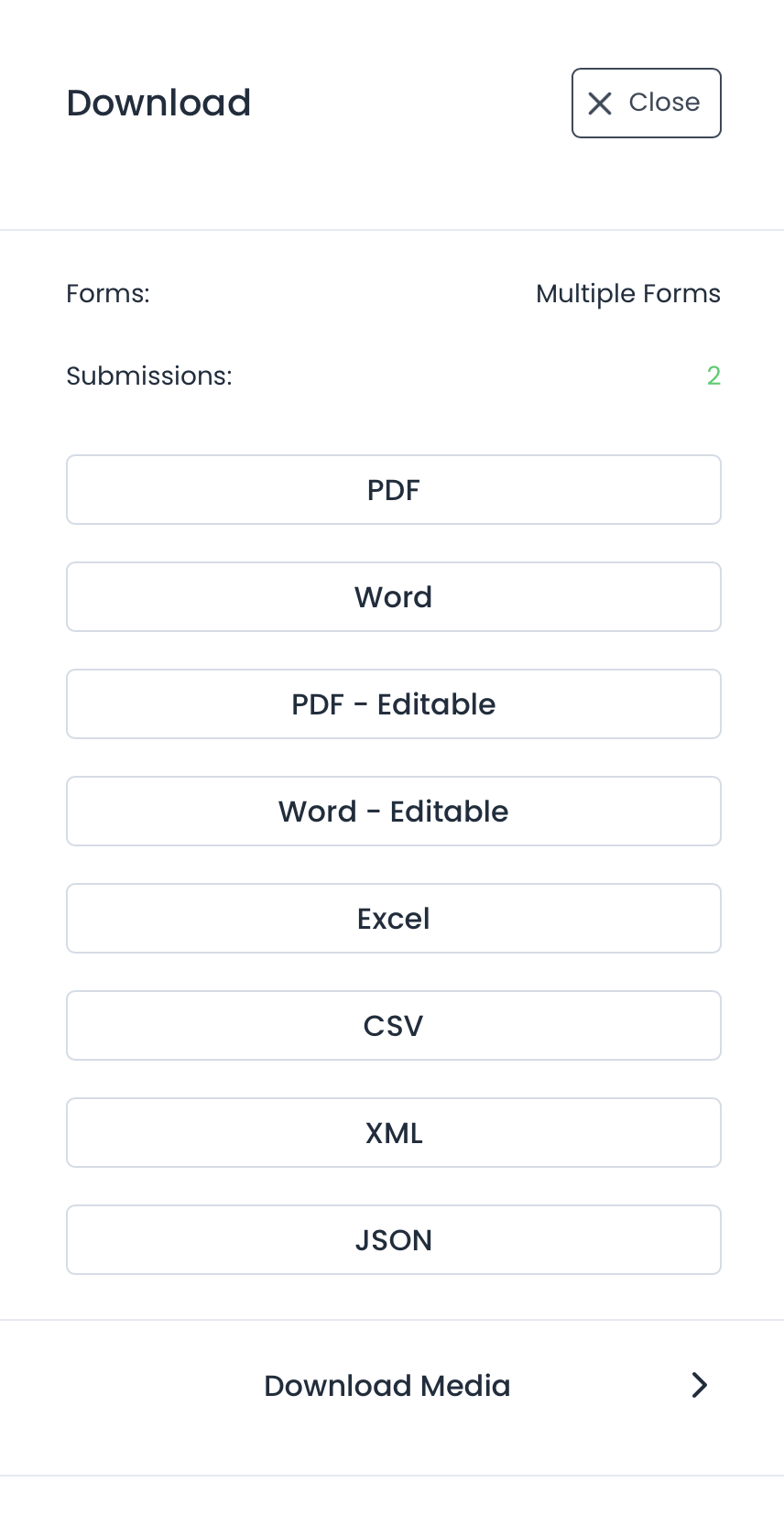
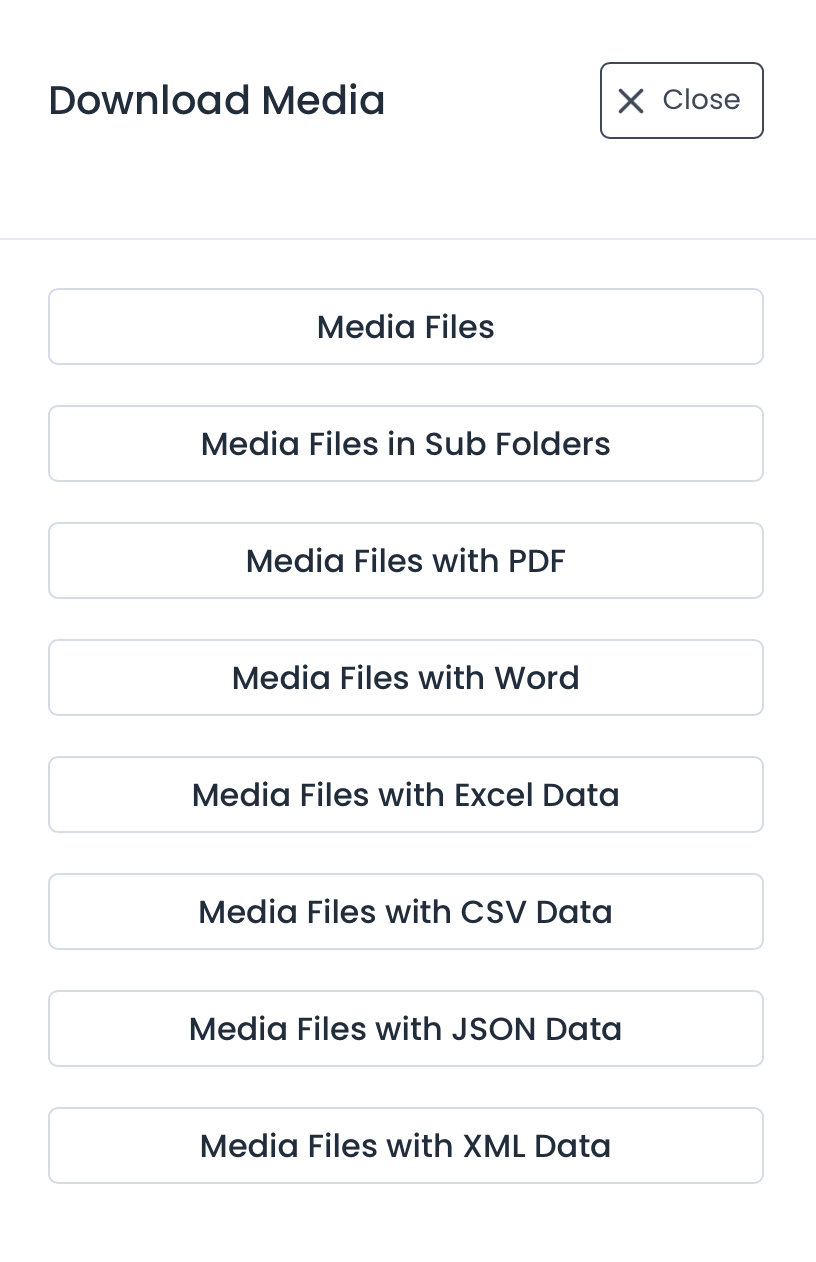
- You will then be prompted to choose the file type to download your reports in. Additionally, you can download specific media contained in submissions.