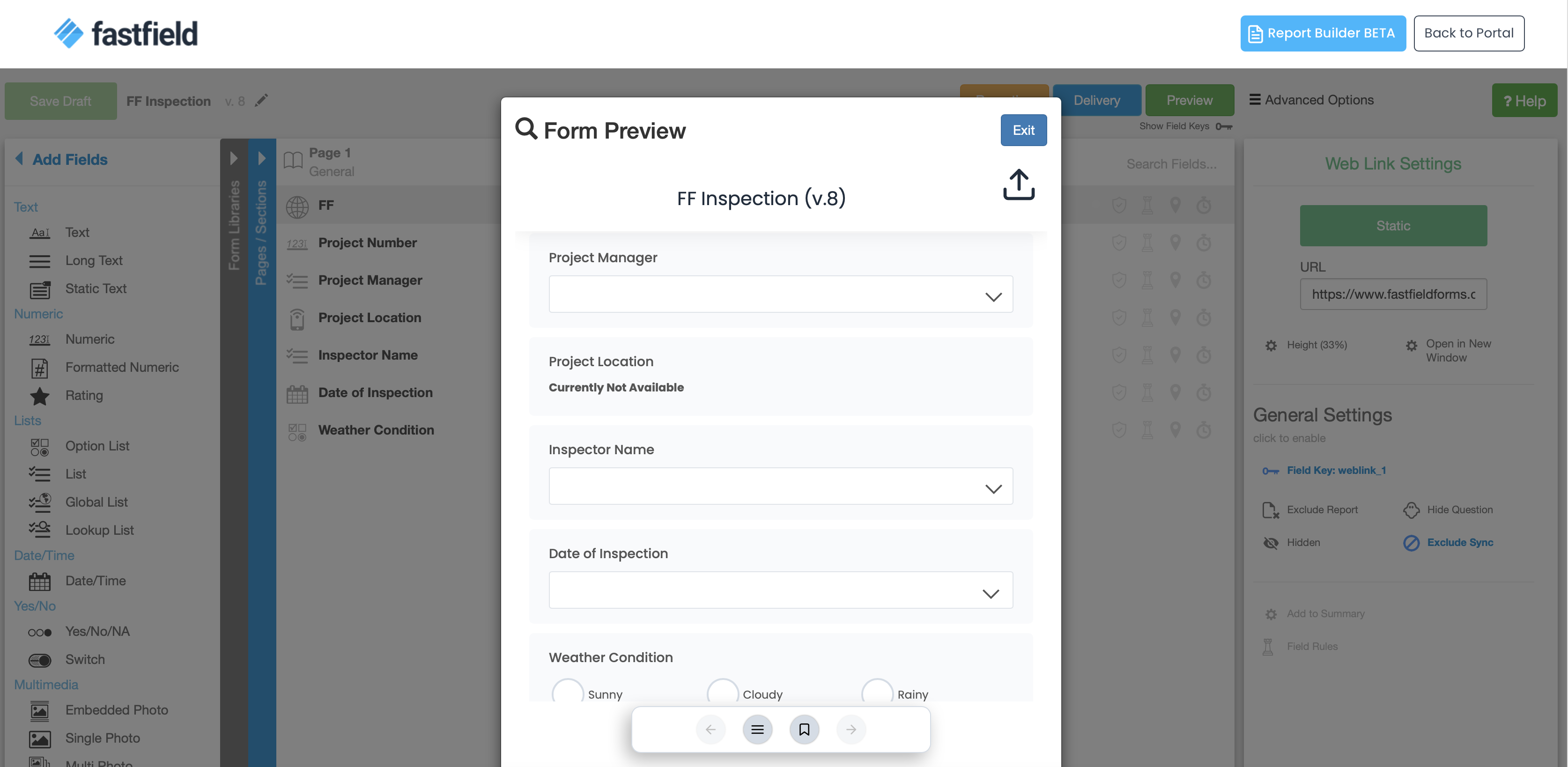
Our Form Preview function lets you see what your form will look like and how it will function on a mobile device without having to publish your form or use it on your mobile device.
*Note: Custom S3 accounts need to enable CORS S3 bucket for the Preview function to be available for use.
Capabilities
You are able to preview your form as it would appear and function on your device. This will show you the most recently saved version of your form, whether it is Published Live or just Saved as a Draft. This allows to you make changes to your form and see the results on your computer without publishing your form.
You will not be able to submit any forms from here, nor will you be able to view your reports. This is only for previewing your form as it would appear on your mobile device.
You are only able to use the Preview function from within the Form Builder.
You are also only able to send the form out for review by other users if your form has been saved as a draft. To do this, click Send out for review in the Form Preview window.
Access
Only the Admin and Builder roles will be able to access the Preview function, as it is in the Form Builder.