Overview
Your Default Library is where any new users and forms you create will be automatically placed unless otherwise specified.
How to Assign or Change Your Default Library
- Go to the Libraries tab in the Portal (Form Sharing > Libraries).
- Choose the Library you would like to assign as your new Default Library and click Manage.
- Click on the Default button to assign this Library as your new default.
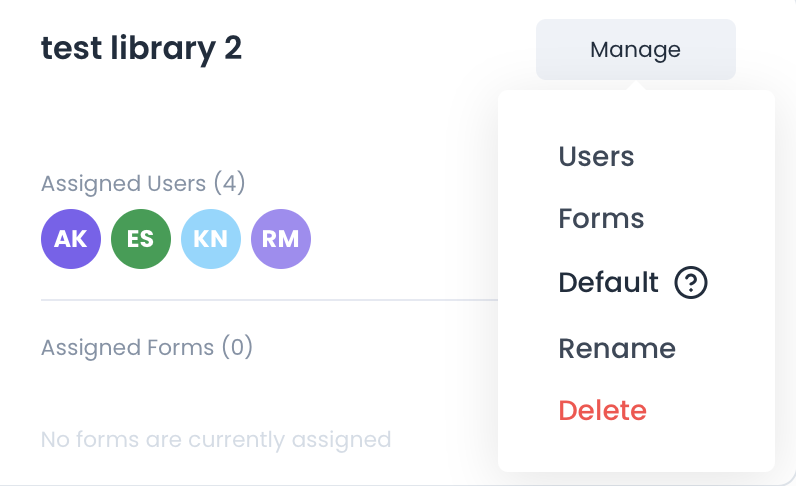
This is now your default library. Any new users or forms created will automatically be placed in this library if not otherwise specified.